Creating a relaxing home workspace is essential for staying productive, especially when much of our work happens outside traditional office settings. A calm and well-organized environment helps reduce stress, improve focus, and make your workday more enjoyable. Whether you have a dedicated room or a small corner, these tips will help you design a workspace that boosts your productivity while keeping you relaxed.
Choose the Right Location
Find a Quiet Spot
Select an area in your home that is quiet and has minimal distractions. Avoid high-traffic zones where family members or roommates frequently pass by. If possible, choose a place with a door you can close to maintain your concentration.
Consider Natural Light
Position your workspace near a window to take advantage of natural light. Sunlight improves mood and energy levels, which can enhance productivity. If natural light is limited, invest in a good desk lamp with adjustable brightness.
Invest in Comfortable Furniture
Ergonomic Chair and Desk
Spend time choosing an ergonomic chair that supports your posture and reduces strain. Your desk should be the right height to keep your arms at a 90-degree angle when typing. Comfort is key to staying focused during long work sessions.
Add Supportive Accessories
Use accessories like a footrest or an adjustable monitor stand. These can prevent discomfort and encourage a healthy posture.
Personalize Your Space
Keep It Clutter-Free
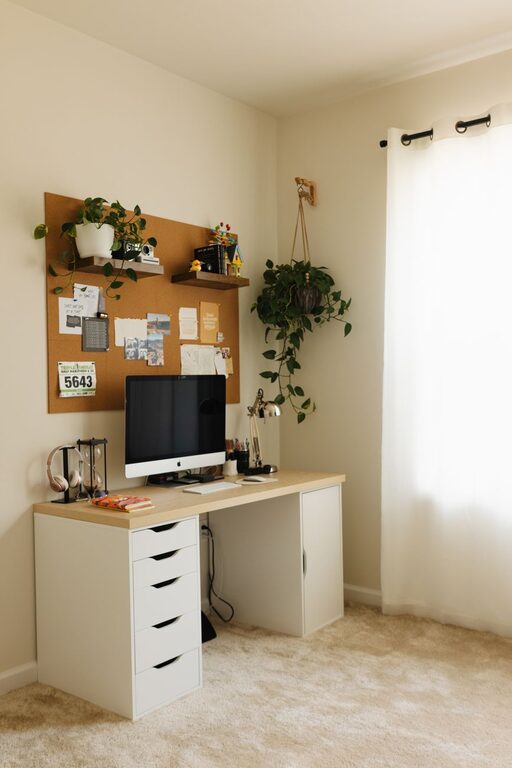
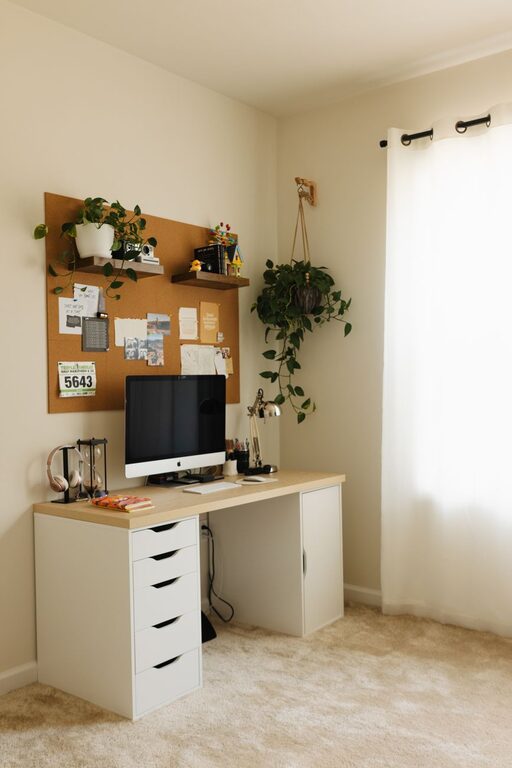
A tidy workspace reduces stress and distractions. Use storage solutions like shelves, drawers, or containers to organize supplies and paperwork. Regularly declutter to keep the area clean and inviting.
Add Calming Elements
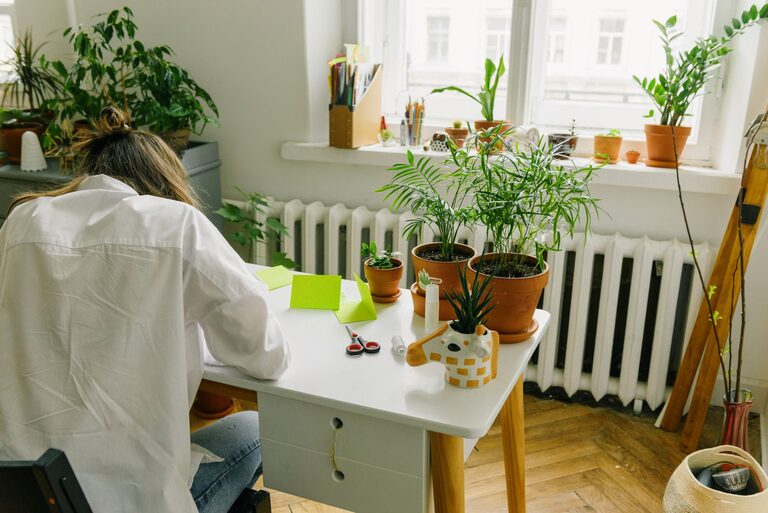
Incorporate items that make you feel calm and happy, like plants, artwork, or photos. Greenery in particular has been shown to improve air quality and reduce stress.
Create a Soothing Color Palette
Choose colors for your workspace that promote relaxation, such as soft blues, greens, or neutrals. Avoid overly bright colors that might be overstimulating. You can add color through paint, décor, or accessories like cushions and curtains.
Manage Noise Levels
Use Noise-Canceling Headphones or Soft Music
If your environment is noisy, noise-canceling headphones are a great investment. Alternatively, playing soft instrumental music or nature sounds can help maintain a calm atmosphere and mask distracting noises.
Soundproof When Possible
Adding rugs, curtains, or even foam panels can reduce echo and absorb sound, creating a quieter environment conducive to focus.
Organize Your Technology Setup
Keep Cords and Devices Neat
Disorganized cables can create visual clutter and frustration. Use cable organizers to keep wires tidy. Position your computer, keyboard, and mouse for easy reach without strain.
Optimize Your Screen Setup
Place your computer monitor at eye level to reduce neck strain. If you use multiple screens, arrange them ergonomically to minimize head movement.
Develop a Daily Routine
Having a specific work routine can signal to your brain that it’s time to focus. Start your day with a smooth transition, like making a cup of tea and tidying your workspace. Take regular breaks to stretch or walk around to avoid burnout.
Add Items That Encourage Relaxation
Essential Oils or Diffusers
Scents like lavender or eucalyptus have calming effects and can improve your mood.
Comfortable Textiles
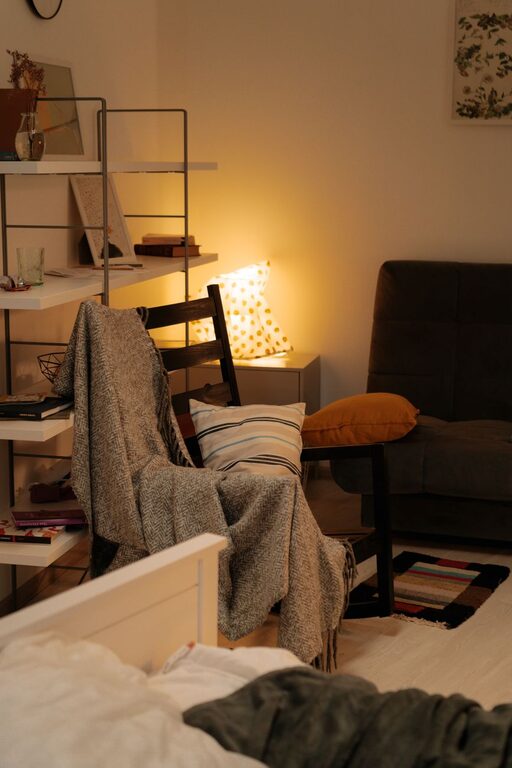
A soft throw blanket or cozy cushions can make your workspace more inviting.
Final Thoughts
Creating a relaxing home workspace is about making intentional choices that support your well-being and efficiency. By combining comfort, organization, and personal touches, you can turn even a small area into a productive sanctuary. Start with small changes and adjust your setup as you discover what helps you work best. The goal is to build a space where you can focus clearly and feel calm throughout the day.
About the Author